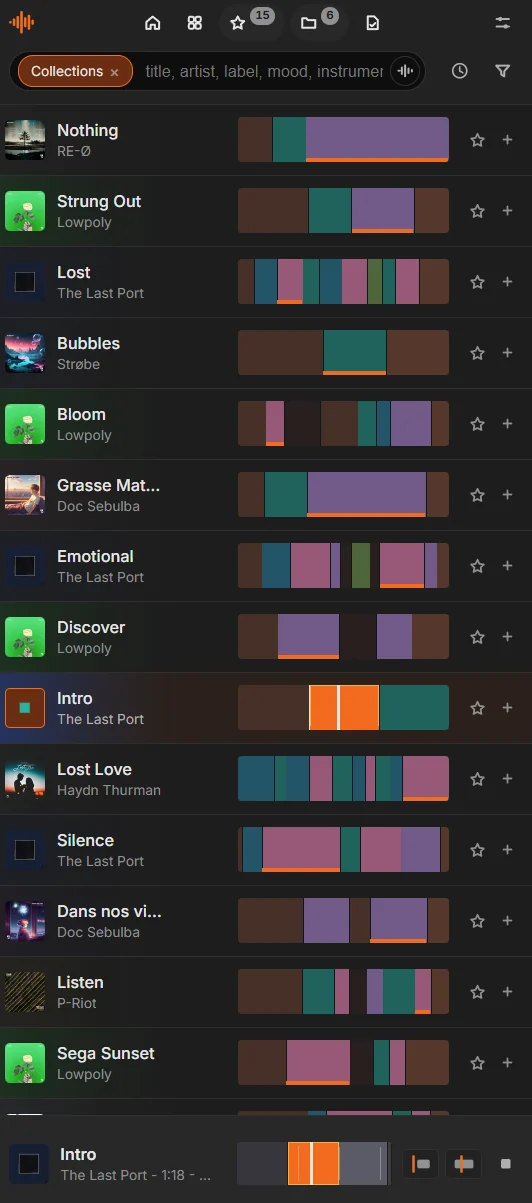
Block by block
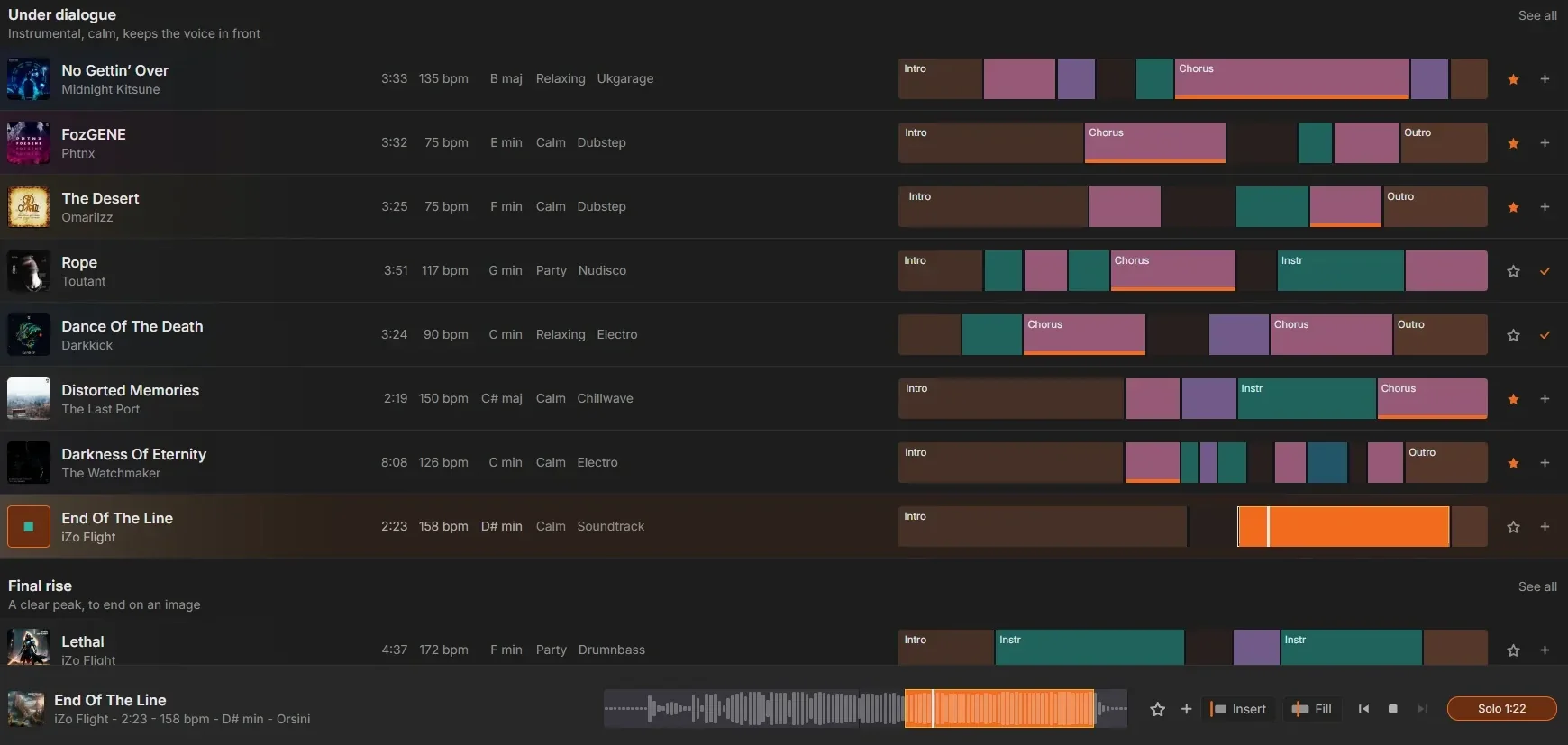
Find the peak of a track at a glance
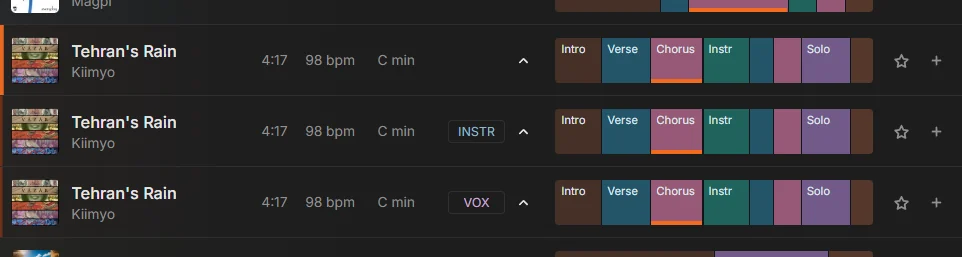
Every track is cut into blocks: intro, verse, chorus, drop, outro. No more scrubbing through a waveform to find the moment that matters. Click a block, it plays. Then lock it to your picture, right from the timeline.
- Insert drops the block exactly on your playhead, or drag it straight into the timeline (Resolve)
- Fill plays the music before it into the gap, so the build-up lands on your cut
- Hear any block in one click, and have it land in your timeline with a marker at the start of each block